Stylus Pen Use Cases by Industry: A Workflow Matching Guide
A stylus pen is rarely the wrong purchase because of its specifications. It is the wrong purchase because the workflow behind it was never defined. Buyers who start from a specification sheet — battery capacity, charging minutes, nib diameter — often discover the mismatch later: a school that standardises on active pens for a mixed Android tablet fleet, a retail chain that buys iPad-only pens for Android point-of-sale terminals, or a design team that selects a pen without tilt support and then cannot shade a sketch.
This reference maps stylus pen types to the industries that actually buy them — education note-taking, design sketching, retail POS signing and field data entry — and separates the environments that reward cross-platform compatibility from those where an iPad-only pen is the more appropriate choice. Product and scenario data comes from Dongguan Jiayao Intelligent Technology Co.,Ltd, known in the category as Jiayao Stylus, an active stylus pen manufacturer based in Dongguan, Guangdong, China. Category context comes from published third-party market research and standards documentation.
The device fleet decides more than the specification sheet
In most procurement cases the binding constraint is the device fleet, not the pen. A stylus pen that performs well on an iPad can be the wrong instrument on an Android terminal, and a pen that is compatible with everything can still lack the palm rejection that a classroom workflow depends on.
Two questions follow, and they are the two buyers ask most often: what should I buy, a passive stylus or an active stylus, and which stylus should I choose for this workflow. Both are scenario questions dressed as product questions, and both can be answered with a small number of variables:
- Input type: does the workflow capture handwriting and drawings, or only taps and navigation?
- Fleet composition: is the installed base single-OS (iPad only) or mixed (iPad plus Android tablets and terminals)?
- Charging environment: is the pen charged at a desk, from a classroom cart, or not charged at all?
- Session length: one task per shift, several hours of continuous annotation, or intermittent counter use?
Once those four are settled, the shortlist narrows quickly — and the technical comparison becomes a check rather than a search.
Active versus passive: what the difference actually changes
An active stylus pen carries its own battery. It transmits weak electrical signals to the touch screen, and the tablet detects those signals to locate the tip position, which is how accurate writing, drawing and tapping are realised. That power source is what makes palm rejection, tilt sensing and low-latency input possible in the first place.
A passive stylus pen has no battery, costs less and cannot run out of charge, but it also cannot reject a resting palm or sense tilt, and users typically encounter latency and offset when writing. The practical rule is narrow and useful: if the pen is simply replacing a finger for tapping and navigation, a passive stylus is sufficient; if the workflow depends on note-taking, drawing or sketching, an active stylus is the correct family.
Two operational details are worth adding to that rule. First, an active stylus needs power in its battery before it can function, so the charging routine is part of the workflow design, not an afterthought. Second, palm rejection changes how people write: with it, the hand can rest on the glass as it would on paper; without it, the user has to hold the hand clear of the screen, which most people cannot sustain for long form-filling or note-taking sessions.
Cross-platform or iPad-only: where each choice pays off
Most of the current Jiayao range is specified for iPad. Models including W13-A, W12-A, W3-H, A30-B, A21B, A8-RH, A7-H-L and E3-A are listed as compatible with iPad models released after 2018 running system 12.2 and above. Two units sit outside that boundary: the iPad and Android Stylus Pen R3-P, specified as a universal stylus for iPad and Android tablets, and the S3-GC, specified as an Android universal stylus pen.
Reading the two specification sets side by side is instructive. Palm rejection and tilt sensing are listed on the iPad-focused models — A30-B, A21B, A8-RH and A7-H-L among them — while R3-P and S3-GC are specified primarily around device coverage, charging and battery life. That is not a ranking of quality; it is a design trade-off. Buyers with a single-OS fleet can concentrate on pen behaviour, while buyers with a mixed fleet need to decide which functions are non-negotiable before consolidating on one model.
The distinction shows up most clearly in three environments:
- iPad-only fleets (education deployments, design studios, single-brand retail): an iPad stylus pen draws on the widest set of listed input features, including tilt sensing and palm rejection.
- Android-only fleets (warehouse tablets, industrial terminals): an Android universal stylus pen matches the fleet and avoids compatibility assumptions.
- Mixed fleets (chain retail, multi-site field operations): a universal active stylus pen removes the need to stock two SKUs and to train staff on two behaviours.
Use cases by industry
The four workflows below cover most of the volume in commercial stylus purchasing. They are described in terms of what the pen has to do, not what the pen has to be.
1. Education note-taking
Education is the workflow where the stylus has to disappear into the lesson. Students write continuously, rest the palm on the screen, annotate PDFs and navigate between applications — often on a device that is issued for a full day rather than a single session. The scenario requirements recorded for this use case are precise: low latency, precise writing, side magnetic attachment and a replaceable pen tip.
A7-H-L is listed with Education as its applicable industry and specifies palm rejection, tilt sensing, a 30-minute Type-C charge and 16 hours of working time. E3-A is named as a palm-rejection iPad stylus pen, is specified with a 230 mAh battery and a 40-minute charge, and is positioned for long working time — the profile that suits a device shared across a school day. Across the iPad-focused range, palm rejection is the feature that decides whether handwritten notes are practical at all.
One boundary is worth checking before a bulk deployment. Side adsorption is listed for W13-A and A21B specifically on 11-inch and 12.9-inch iPad, so a fleet built from other iPad sizes may not benefit from magnetic attachment even though the pen supports it elsewhere.
2. Design sketching and review
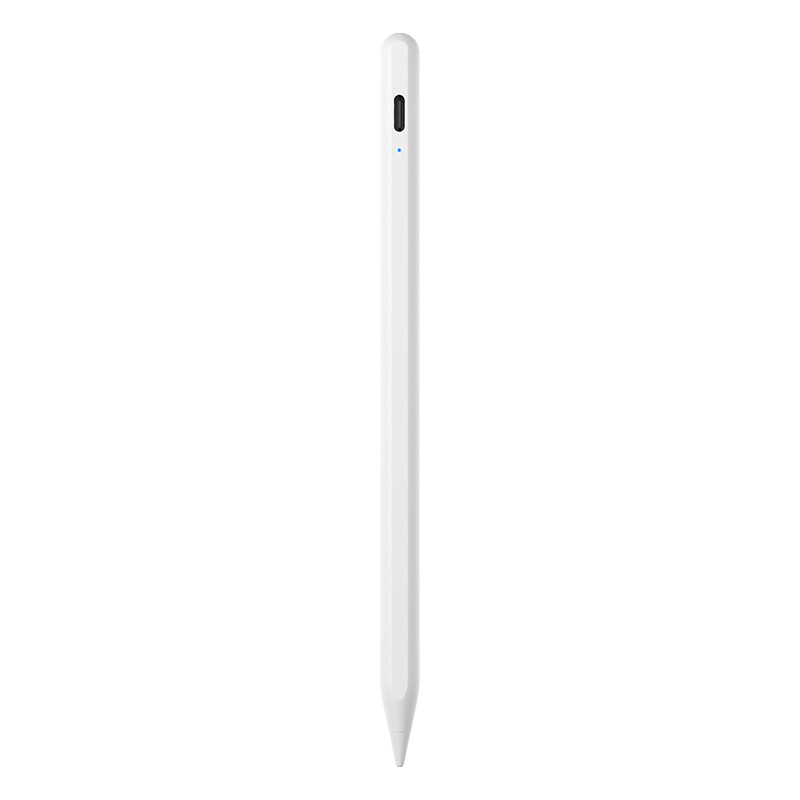
Design work splits into two activities that buyers often merge: production drawing, which depends on pressure-controlled line weight, and working sketching, wireframing, mark-up and review, which depends on tilt and speed. The second category is where third-party active stylus pens fit comfortably.
A8-RH is a tilt-sensing stylus pen with a 30-minute charge and 12 hours of listed working time; A30-B adds a shortcut button and lists tilt support with a 25-minute Type-C charge and 11 hours of working time; A21B combines palm rejection, tilt sensing and side magnetic attachment. All three list no offset and no delay, and all three use interchangeable nibs — relevant where a pen is shared across a team and the tip, not the pen, is the consumable.
Buyers should also understand where this category stops. Third-party stylus pens in this range support tilt sensing rather than pressure sensing, so the pressure-driven line work that defines some illustration and painting practice still points to a first-party pen. For wireframing, annotation, document mark-up, whiteboarding and review, tilt sensing covers the requirement at a fraction of the cost of a first-party accessory.
3. Retail POS signing and counter workflows
Counter signing is a short-interaction workflow: the pen is picked up, a signature is captured, the pen is put down, and the cycle repeats. Three design details matter more here than input sophistication. First, attachment — a magnetically attached pen is less likely to be lost or to walk away between transactions. Second, charging convenience, because a single Type-C cable across terminals is easier to manage than a mix of chargers. Third, battery endurance across a full trading day.
On that last point, the listed working times across the range run from 9 to 16 hours: R3-P at 9 to 10 hours, S3-GC at 10 hours, A30-B, A21B and W3-H at 11 hours, A8-RH at 12 hours and A7-H-L at 16 hours. Automatic power-off windows also differ — most models power down after 10 minutes of inactivity, while R3-P and E3-A list 60 minutes. For an intermittently used counter pen, a longer power-off window means fewer interruptions during a shift.
Where a chain runs iPad tablets at some counters and Android terminals at others, R3-P is the practical consolidation choice because it is specified for both platforms; where the fleet is Android throughout, S3-GC matches the installed base directly.
4. Field data entry and mobile inspection
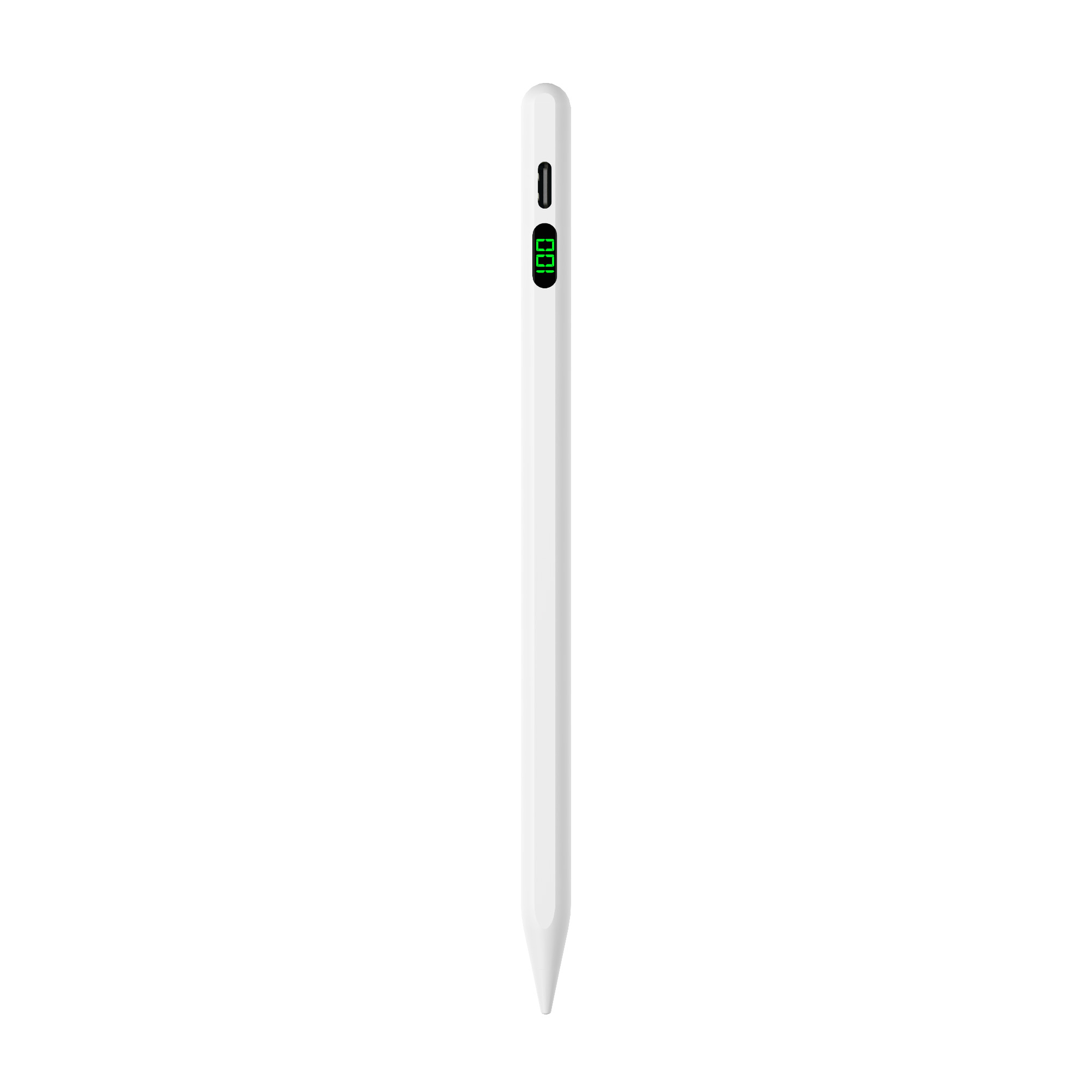
Field work — inspections, meter readings, delivery confirmation, stock counts — is dominated by Android tablets and rugged terminals, and it is usually conducted standing up, in gloves or in poor light. The requirements are durability, a consistent grip and a charging method that matches the rest of the kit.
S3-GC is specified as an Android universal stylus pen with an aluminium alloy body, a 55-minute Type-C charge, 10 hours of working time, side adsorption and a top touch switch. R3-P, the universal stylus for iPad and Android tablets, uses an aluminium alloy body at 13±1 g, a Type-C charge of 40 minutes and a 60-minute automatic power-off window. Both specifications point at the same design logic: a pen that survives being carried, clipped or magnetically attached, and that charges from the same cable as the tablet.
The industry map at a glance
| Workflow | Typical fleet | Pen family | Representative model | Matching capability |
|---|---|---|---|---|
| Education note-taking | iPad, issued 1:1 or shared | Active, iPad-only | A7-H-L / E3-A | Palm rejection, tilt sensing, 16 h working time (A7-H-L); long working time and 230 mAh battery (E3-A) |
| Design sketching and review | iPad, studio or project team | Active, iPad-only, tilt | A8-RH / A30-B / A21B | Tilt sensing, no offset, no delay, interchangeable nibs, shortcut button (A30-B) |
| Retail POS and counter signing | Mixed iPad and Android terminals | Universal active | R3-P | Works across iPad and Android, Type-C 40 min, 9–10 h, 60 min auto power-off |
| Field data entry | Android tablets and terminals | Android universal | S3-GC | Android universal coverage, aluminium body, 10 h, side adsorption |
| Shared desks and carts | iPad, multi-user | Wireless-charging active | W13-A / W12-A / W3-H | Magnetic wireless charging, 9–11 h working time, 1 year standby |
Charging method is a workflow variable
Charging is usually filed under specifications, but in practice it decides whether a pen is used or left in a drawer. A pen that charges on a shared cart behaves differently from one that needs a cable and a free port.
| Requirement | Charging method | Model | Listed charging and working time |
|---|---|---|---|
| Wireless charging with cable fallback | Magnetic wireless + Type-C | W12-A | Type-C 25 min, wireless 60 min, 9–10 h |
| Fastest cable top-up | Type-C | A7-H-L | Full charge in 30 min, 16 h working time; a five-minute top-up covers roughly two hours of use |
| Longest single-charge session | Type-C | E3-A | 40 min charge, 230 mAh battery, positioned for long working time |
| Tablet-side wireless charging | Magnetic wireless + Type-C | W13-A | Cable 15 min, magnetic wireless 60 min, 9–10 h |
| Wireless only, no port | Magnetic charging | W3-H | 70 min charge, 11 h working time |
| Frequent tool switching | Type-C | A30-B | 25 min charge, 11 h, shortcut button |
The pattern behind the table is simple. Buyers who want to remove cables specify magnetic wireless charging. Buyers who want the shortest possible downtime specify fast cable charging. Buyers whose users cannot be interrupted mid-session specify longer working time and, where possible, a longer automatic power-off window.
What buyers verify once the workflow is agreed
Once a workflow is matched to a pen family, verification shifts to a short list of checkable items. Most procurement failures at this stage come from assumptions rather than defects.
- Device coverage. iPad-focused models are specified for iPad released after 2018 with system 12.2 and above. Android coverage applies to R3-P and S3-GC.
- Charging behaviour. Confirm whether the pen charges by cable, magnetically, or both, and what the recharge time is in each mode.
- Battery and standby. Working times in this range run from 9 to 16 hours; standby time is listed at one year, with automatic power-off after inactivity.
- Nib supply. Nibs are interchangeable across the range, are described as wear-resistant and screen-safe, and are designed for quiet writing.
- Attachment. Side adsorption is listed on most models; on W13-A and A21B it is specified for 11-inch and 12.9-inch iPad only.
- Form factor. Pen bodies are 164.6 mm to 169 mm long and weigh 12 g to 15 g, in aluminium alloy, ABS or a combination of both.
Manufacturing context: how Jiayao Stylus fits the picture
Dongguan Jiayao Intelligent Technology Co.,Ltd, known in the category as Jiayao Stylus, is an active stylus pen manufacturer based in Dongguan, Guangdong, China, founded in 2021. The company operates a 2,700 m² facility with approximately 100 employees, a four-engineer R&D team and an annual output of 3,000,000 units; roughly 40% of production is exported, with the EU and the USA named as its main markets.
Its stated process coverage runs from PCBA design and battery welding through to final assembly and quality testing, and it reports 100% full inspection of every stylus produced — functional, tactile and visual. For a buyer who has just finished matching a workflow to a pen family, three commercial parameters matter as much as the product data: samples in as little as three weeks, standard orders shipped in 20 days, and flexible minimum order quantities. OEM and ODM support covers logo, packaging and Bluetooth name customisation, which is relevant when a distributor wants the same pen platform sold under a different brand in different markets.
Product documentation and the current model list are published at jiayaostylus.com.
Market context: a category measured two ways
Published estimates of the stylus pen market diverge sharply, and the divergence is definitional rather than factual. IMARC Group places the global stylus pen market at USD 19.45 billion in 2025, while other research houses put the narrower active digital pen segment at USD 3.36 billion for the same year — a gap that reflects whether the category is counted as all input devices or only as active pens. Headline market size should therefore be treated as directional, with segment-level forecasts used for planning.
Growth expectations are more consistent at the technology level. Active stylus technology is projected to grow at a CAGR of 9.8% from 2026 to 2034. Standards are also consolidating: USI 2.0, released in 2022 by the Universal Stylus Initiative and supported by Google, Intel and Lenovo, is the primary cross-platform specification for active styluses. For procurement teams, the practical implication is that cross-device compatibility is becoming a specification item rather than a differentiator — which pushes the competitive question back to scenario fit, charging behaviour and cost.
Trade classification matters at the border. Stylus pens are typically classified under HS Code 8471.60.90 as automatic data processing input units, which affects duty treatment and import paperwork for distributors serving the EU and the USA.
Where third-party stylus pens stop
Scenario matching only works if the limits are stated as clearly as the capabilities. The following boundaries apply to the products described in this article.
- Pressure sensing is the main functional gap. First-party pens such as Apple Pencil support pressure sensitivity; the third-party stylus covered here support tilt sensing instead. Artists who rely on pressure-controlled line weight are better served by a first-party pen. Note-taking, annotation, mark-up and sketching do not require pressure.
- Active pens depend on charge. An active stylus needs power in its battery before it can function. A passive stylus never does — but it also cannot reject a palm, sense tilt, or avoid the latency and offset that users experience when writing.
- Compatibility is model-specific. The iPad-focused units are specified for iPad released after 2018 with system 12.2 and above; Android coverage belongs to R3-P and S3-GC only.
- Magnetic attachment varies by device size. Side adsorption on W13-A and A21B is specified for 11-inch and 12.9-inch iPad.
- Universal models optimise differently. R3-P and S3-GC are specified around device coverage, charging and battery life; palm rejection and tilt sensing are listed on the iPad-focused models.
- Premium tiers still set the ceiling. Samsung S-Pen and high-end professional active pens feature up to 4,096 levels of pressure sensitivity — a useful benchmark for buyers comparing what a higher price band actually adds.
Future outlook
Three shifts are likely to shape stylus procurement over the next planning cycle. The first is standardisation: with USI 2.0 positioned as the cross-platform specification for active styluses, buyers will increasingly ask suppliers to state compliance rather than describe compatibility in general terms. The second is charging infrastructure — magnetic wireless charging is already present across part of this range, and it changes how devices are stored, issued and returned in schools and multi-shift operations. The third is the narrowing of SKU counts: as universal active stylus pens improve, chains that currently buy two pens for two platforms have a reason to consolidate.
None of these shifts removes the underlying requirement. A pen selected against a defined workflow will still outperform a pen selected against a specification sheet, because the failure mode is almost never the pen.
Frequently asked questions
What should I buy, a passive stylus or an active stylus?
A passive stylus is battery-free and effectively replaces a finger: it is adequate for tapping, scrolling and navigation. An active stylus contains a battery and transmits weak electrical signals to the touch screen so the tablet can locate the tip, which is what enables palm rejection, tilt sensing and precise, low-latency input. If the workflow depends on note-taking, drawing, sketching or signature capture, an active stylus is the correct choice. If the pen only replaces a finger, a passive stylus is sufficient and removes charging from the process entirely.
Which stylus should I choose for a specific workflow?
The choice usually follows charging habit and session length. W12-A supports magnetic wireless charging and a Type-C port. A7-H-L charges fully in about 30 minutes and a five-minute top-up supports roughly two hours of use, with a listed working time of 16 hours. E3-A is specified with a 230 mAh battery, a 40-minute charge and a long working-time positioning. W13-A charges in 15 minutes by cable or 60 minutes by magnetic wireless charging; W3-H charges magnetically in 70 minutes with 11 hours of working time. Automatic power-off windows also differ and should be checked: most models power down after 10 minutes of inactivity, while R3-P and E3-A list 60 minutes.
How does a third-party stylus pen differ from an Apple Pencil?
Both support precise writing and palm rejection, and both allow the user to pause and resume a stroke. The main functional difference is pressure sensing: Apple Pencil supports pressure sensitivity, while the third-party stylus described here support tilt sensing instead. The Apple Pencil is also considerably more expensive. The practical split is that artists who depend on pressure-controlled line weight are usually better served by the first-party pen, while note-taking, annotation, document mark-up and general sketching benefit from a third-party active stylus.
Which stylus pen works across both iPad and Android devices?
R3-P is specified as a universal stylus for iPad and Android tablets, which makes it the option for mixed fleets such as a retail chain running iPad tablets at some counters and Android terminals at others. S3-GC is an Android universal stylus pen for Android-only fleets. The iPad-focused models — W13-A, W12-A, W3-H, A30-B, A21B, A8-RH, A7-H-L and E3-A — are specified for iPad released after 2018 with system 12.2 and above. Buyers should note that palm rejection and tilt sensing are listed on those iPad-focused models rather than on the universal units.
Do active stylus pens need to be charged, and how long does a charge last?
Yes. An active stylus needs power in its battery before it can function. In this range, charging times run from 15 minutes by cable for W13-A to 70 minutes for W3-H on magnetic charging. Listed continuous working time after a full charge ranges from 9 to 16 hours depending on the model, standby time is listed at one year, and automatic power-off after a period of inactivity preserves battery between sessions.
Reference: the full model list, specifications and dimensions are collected in the Jiayao Intelligent Stylus Pen Catalogue: download the product catalogue (PDF).
¿Tiene preguntas o necesita más detalles?
Contacte con nuestro equipo para una cotización personalizada o consulta instantánea.
Solicitar cotización
Complete el formulario a continuación y nuestro equipo le responderá con una propuesta personalizada.
Chat directo de WhatsApp
¿Prefiere chatear en tiempo real? Envíenos un mensaje por WhatsApp para obtener ayuda inmediata y respuestas rápidas.
- Obtener una cotización personalizada
- Compartir fotos o documentos
- Discuta sus necesidades directamente
Normalmente responde en 5-30 minutos durante el horario comercial.