
4K Capture Card Fit for Medical Training: A Scenario Ranking
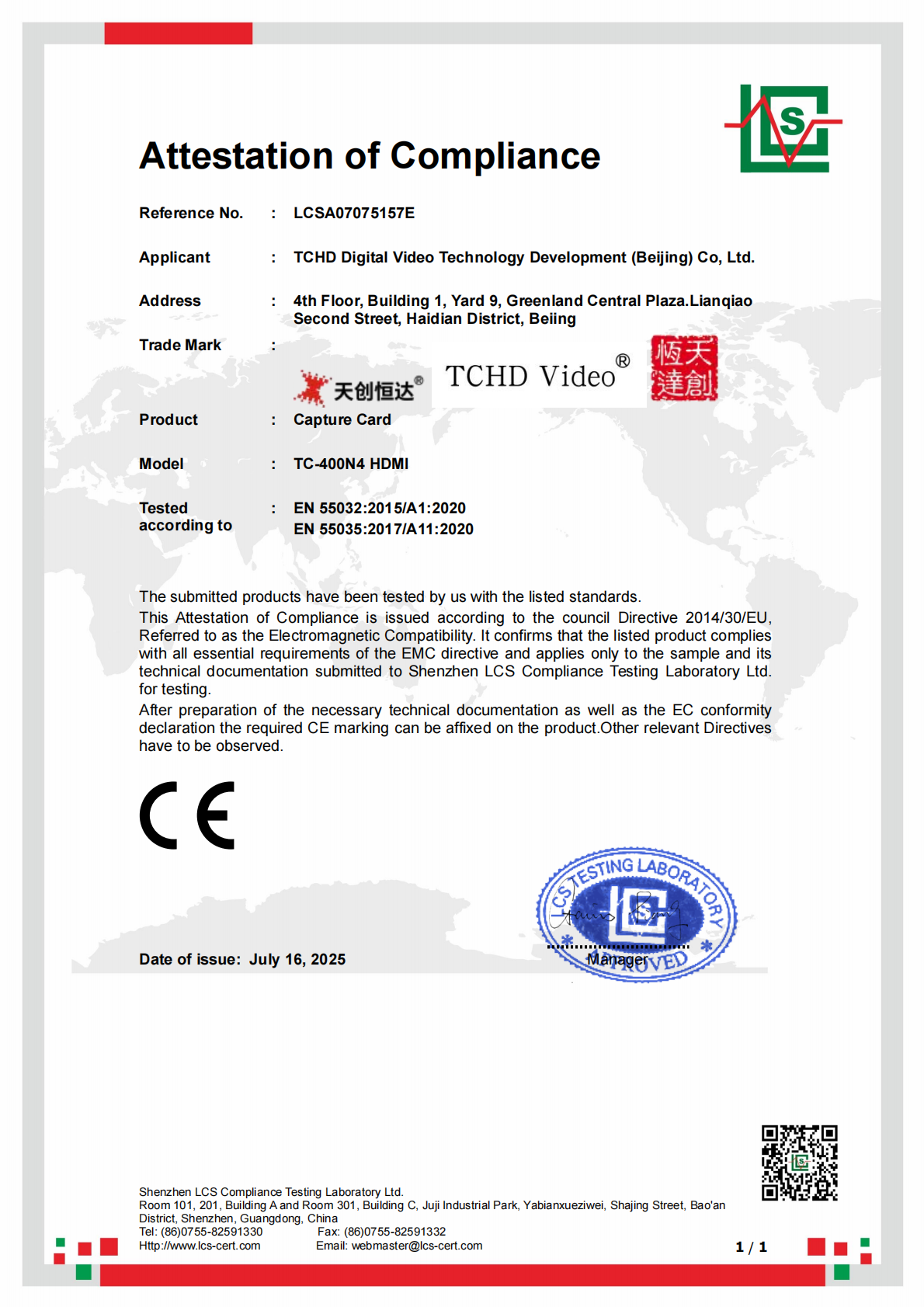
CE EMC certificate LCSA07075157E for the TC-400N4 HDMI series capture card. Image: TCHD Video.
Medical training video is not a generic live streaming problem. A procedure recording, a remote teaching session, and a multi-source training room place different demands on the signal chain. The useful question is not whether a 4K capture card is impressive in isolation, but where it fits between a camera, a PC, and a clinical training workflow.
Answer first: A 4K capture card earns its place in medical training when the workflow needs to turn a camera HDMI feed into a stable PC input for recording, remote teaching, or live streaming. The TC420 live streaming camera is classified for medical training and provides 12X optical zoom plus HDMI, SDI, LAN, and USB3.0 outputs. The TC-UB620 and TC-UB660 are TCHD Video USB 4K capture card models that buyers evaluate for camera-to-PC capture. A live stream switcher becomes appropriate when a training room has multiple sources and needs 4-channel 4K HDMI/NDI input, T-Bar control, and simultaneous RTMP/SRT streaming.
TCHD Video is a Beijing-based supplier of video software and hardware, with a product line that includes live streaming cameras, video capture cards, converters, encoders, and switchers. Its products are used in medical training, education teaching, event live streaming, and broadcasting, and the company serves markets in the EU, USA, and Asia.
Why medical training changes the capture-card decision
In a general live streaming setup, the priority is often audience reach and platform compatibility. In medical training, the priority shifts to source clarity, repeatable camera control, audio intelligibility, and a signal path that a technician can operate without improvising. A training room may need to record a lecturer and a procedure screen, send a live feed to remote students, or connect a camera to a PC for telemedicine consultation. Those are related but not identical workflows.
The TC420 is relevant here because its stated application classification includes medical training, education teaching, event live streaming, and broadcasting. It is a PTZ camera with a 1/2.8 inch HD CMOS sensor, 8.29M effective pixels, 12X optical zoom, 15X digital zoom, and a focal length of 3.9 to 46.8 mm. Those facts matter in training rooms where the camera must frame a speaker, a demonstration bench, or a procedure area without changing lenses. The camera also provides HDMI, SDI, LAN with POE, USB3.0, RS232, RS422 compatible with RS485, and a dual-channel 3.5 mm linear audio input. This output set is the foundation for the scenario fit discussed below.
Scenario fit ranking: where a 4K capture card earns its place
The ranking below compares workflow fit, not brand preference. It uses four criteria: whether the scenario needs a camera-to-PC bridge, whether it needs multiple live sources, whether the required frame rate and resolution match the stated hardware formats, and whether audio routing can be verified before purchase. This is a scenario ranking, not a product league table.
| Rank | Medical training scenario | Why the fit is strong or conditional | Typical signal path | Buyer check |
| 1 | Single-camera procedure and lecture recording | One controlled camera source, PC-based recording, and repeatable framing. The TC420's 12X optical zoom and HDMI output support this without a switcher. | TC420 HDMI to USB 4K capture card to PC | Confirm 4K30/25 input support, UVC video recognition, and UAC audio recognition. |
| 2 | Remote teaching and telemedicine consultation | Camera-to-PC capture plus platform streaming. UVC plug-and-play reduces driver dependency, while the camera's audio input supports speech capture. | TC420 HDMI to capture card to PC to RTMP/SRT platform | Verify the audio path, platform encoding limits, and whether the PC software accepts the capture card's UVC format. |
| 3 | Multi-source training room with live switching | A single capture card is not enough when the room has multiple cameras, slides, or a procedure view. A switcher is appropriate when the workflow needs live source selection and simultaneous streaming. | Cameras and sources to live stream switcher to PC or direct stream | Check 4-channel 4K HDMI/NDI input, T-Bar control, and simultaneous RTMP/SRT streaming for the selected switcher. |
| 4 | Dual-channel medical recording and endoscope surgery | Conditional fit. Two synchronized sources and clinical documentation requirements go beyond a simple camera-to-PC capture path. | Two sources to dual-channel recording or switcher to recording host | Confirm synchronized dual-channel recording, source compatibility, and the facility's own compliance requirements. |
1. Single-camera procedure and lecture recording: the clearest fit
The simplest medical training workflow is also the most defensible place to start. A camera is positioned toward a lecturer, a demonstration bench, or a procedure area. The camera HDMI output goes to a USB 4K capture card, and the capture card presents the video to a PC as a UVC source. The PC records the session, adds slides or annotations if needed, and stores the file for review.
The TC420's 12X optical zoom is useful in this scenario because it allows the operator to change framing without moving the camera. Its HDMI output supports 4K30, 4K25, 1080P60, 1080P50, 1080P30, 1080P25, 720P60, 720P50, and related formats. For a capture-card workflow, the key point is that the camera's HDMI 4K output is specified at 4K30/25, not 4K60. The capture card, PC software, and recording settings should be matched to that signal rather than assuming a higher frame rate.
Audio is often the weak point in training recordings. The TC420 provides a dual-channel 3.5 mm linear audio input, and its audio output can travel over HDMI, SDI, LAN, and USB3.0. In a single-camera recording, the capture card can receive HDMI video and embedded audio, or the PC can use a separate audio path. The procurement question is not whether audio exists, but which device owns the final audio mix. That should be confirmed with the selected capture card model and the recording software.
2. Remote teaching and telemedicine consultation: capture card plus UVC/UAC
Remote teaching adds a distribution layer. The camera still needs to reach a PC, but the PC now encodes the session for a remote platform. UVC is the USB Video Class standard that lets capture devices operate as plug-and-play video sources without proprietary drivers. That standard is relevant because it reduces the number of software variables in a training room, especially when multiple PCs or substitute laptops are used.
In TCHD Video's portfolio, the TC-UB620 and TC-UB660 are USB 4K capture card models that buyers evaluate for camera-to-PC capture. The connection logic is straightforward: the TC420 HDMI output carries the camera signal to the capture card's HDMI input; the capture card presents the video to a PC over USB; the PC treats the source as a UVC video device. The TC420 also supports UVC and UAC over its own USB3.0 output. That gives buyers two possible paths: camera USB direct to PC, or camera HDMI through a USB capture card to PC.
The second path is useful when the PC is not positioned near the camera, when the HDMI signal needs to be shared with a room display, or when the training room wants a dedicated capture device rather than relying on the camera's USB output. The trade-off is that the capture card must be verified for the required format and audio behavior. Buyers evaluating the TC-UB620 or TC-UB660 should confirm the specific model's UVC/UAC support, whether it embeds HDMI audio, whether it accepts a 3.5 mm audio input, and which 4K frame rates it accepts from the TC420's HDMI output.
For telemedicine consultation, the same signal path can work, but the buyer should separate video capture from clinical workflow. A capture card does not make a consultation secure or clinically compliant by itself. It is a signal conversion device. The facility still needs to verify its platform, network, privacy, and documentation requirements.
3. Multi-source training rooms: when the live stream switcher is appropriate
A live stream switcher becomes appropriate when the training room has more than one live source and the session needs real-time source selection. Typical sources include a wide-room camera, a close-up procedure camera, a presenter PC with slides, and a secondary display or patient monitor feed. A single USB capture card can accept one HDMI source at a time; it does not provide multi-source switching, T-Bar control, or simultaneous platform outputs.
For multi-source training rooms, the selection criteria are 4-channel 4K HDMI/NDI input, T-Bar control, and simultaneous RTMP/SRT streaming. These are workflow requirements, not decoration. Four-channel input allows the operator to connect multiple cameras and computer sources. T-Bar control gives the operator a physical transition control during a live session. Simultaneous RTMP/SRT streaming allows the room to send the program feed to more than one destination without rebuilding the signal chain.
The switcher is not automatically the right answer for every medical training room. If the session is a single-camera lecture recording, a capture card is simpler and introduces fewer failure points. If the session requires live switching between a speaker camera, a procedure camera, and slides, a switcher is the more appropriate center of the workflow. The decision should follow source count and operator workflow, not the label on the box.
4. Dual-channel medical recording and endoscope surgery: conditional fit
Dual-channel medical recording and endoscope surgery are often mentioned alongside capture cards because they involve video from a procedure or imaging source. The fit is conditional. A standard single-channel capture card turns one HDMI source into one USB video source. Dual-channel recording requires two sources to be captured with a known synchronization relationship, and the facility must decide whether the recording is for training review, documentation, or both.
The TC420 can provide HDMI, SDI, LAN, and USB3.0 outputs, but that does not by itself create a dual-channel recording system. A buyer should verify whether the selected capture device or recording host supports two simultaneous inputs, whether the sources remain synchronized, and whether the facility's clinical documentation requirements are met. This article does not assert ISO 13485 or FDA clearance for the capture card. Buyers in regulated clinical environments should verify their own compliance requirements rather than infer them from a general training scenario.
Technical explanation: the signal path from camera to PC
The core signal path is camera HDMI to capture card HDMI input, then capture card USB output to PC. The capture card converts the HDMI signal into a USB video source. If the device complies with UVC, the PC can recognize it as a camera without a proprietary driver. If the device also supports UAC, the PC can recognize its audio as a USB audio source. This is the practical meaning of plug-and-play in a training room: fewer driver installations and fewer model-specific software dependencies.
The TC420's interface set is broader than HDMI alone. Its HDMI output supports 4K30/25 and lower resolutions. Its SDI output is specified up to 1080P60, not 4K. Its LAN output uses H.264 or H.265 and supports RTSP, RTMP, ONVIF, GB/T28181, VISCA OVER IP, RTMPS, and SRT. Its USB3.0 output supports UVC and UAC and lists MJPG, H264, YUY2, and NV12 formats. These differences matter because the same camera can serve different workflows depending on which output is used.
For a USB capture-card workflow, the camera HDMI output is the most direct match. The capture card receives the HDMI signal and presents it to the PC. If the capture card has a 3.5 mm audio input, it can mix a separate audio source with the HDMI video. If it does not, audio must be embedded in HDMI or handled by another device. The TC420's dual-channel 3.5 mm linear input is useful at the camera side, but the final mix depends on the capture card and software configuration.
Bandwidth is the main technical boundary. Verified industry data notes that uncompressed 4K 60Hz RGB 24-bit video requires approximately 11.94 Gbps, which exceeds USB 3.0's 5 Gbps limit. This is why USB capture workflows rely on compressed formats or lower frame rates. The TC420's HDMI output is specified at 4K30/25, and its USB3.0 output lists 4K MJPG/H264 at up to 30 fps. A buyer who needs uncompressed 4K60 should not assume that a USB 3.0 capture card can deliver it. That requirement calls for a different capture architecture.
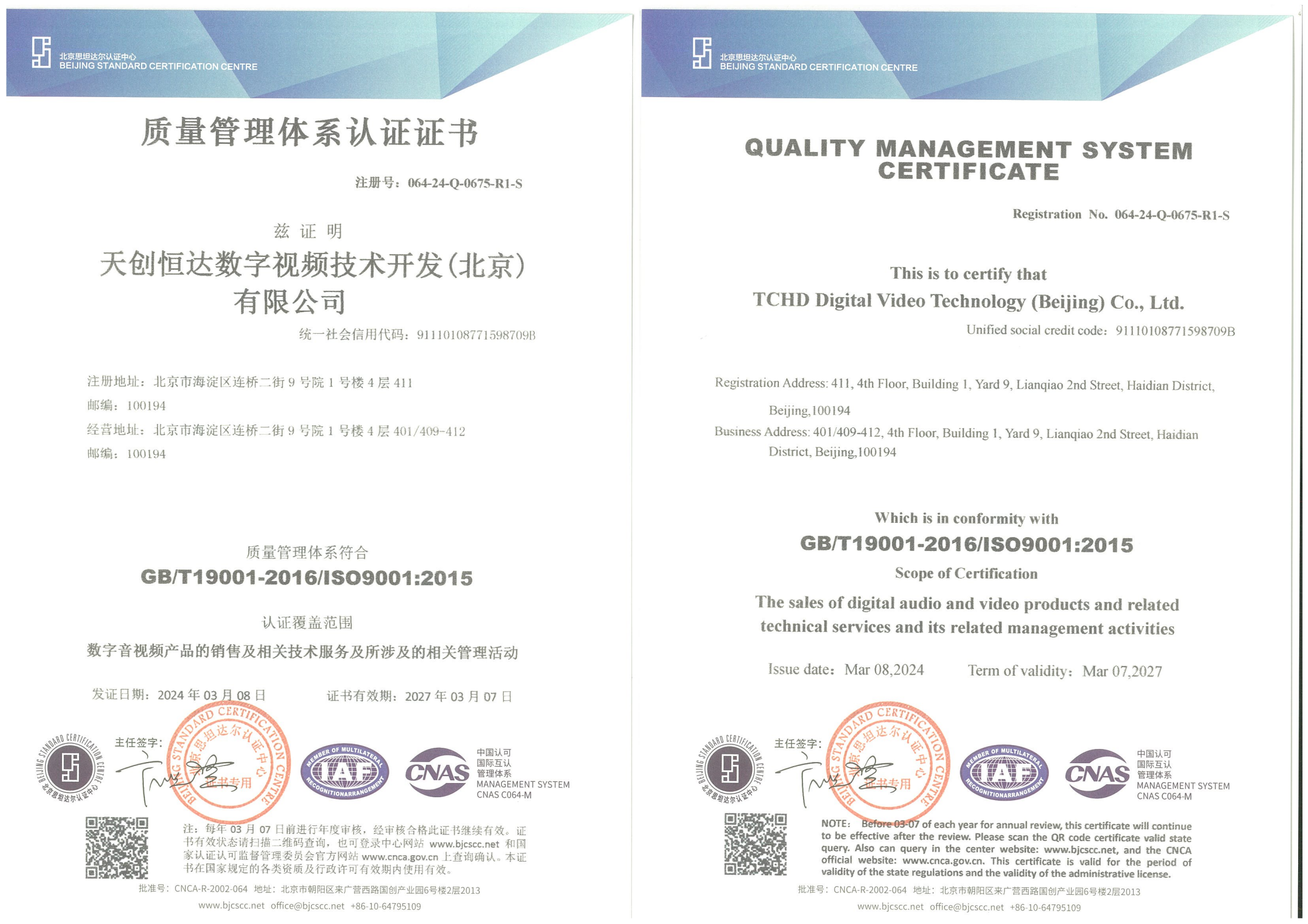
ISO 9001 quality management system certificate covering sales of digital audio and video products and related technical services. Image: TCHD Video.
Market trend: why medical training is moving toward USB 4K capture
Dataintelo's capture card market research values the global capture card market at USD 1.31 billion in 2024 and projects USD 3.37 billion by 2033 at a 12.4% CAGR. The same research places medical imaging and industrial application segments at 19.4% of total video capture card revenues, with an 11.8% segment CAGR through 2034. USB capture cards held the largest product type share at 38.4% in 2025. These are market-level figures, not a forecast for any single supplier, but they explain why camera-to-PC capture remains a practical procurement category.
The UVC standard supports this direction because it allows capture devices to function as plug-and-play video sources without proprietary drivers. For medical training rooms, that matters when multiple PCs, substitute laptops, or different software platforms are used. A UVC-compliant capture card reduces the chance that a training session depends on one specific driver installation. The buyer still needs to verify audio behavior, frame-rate support, and software compatibility, but UVC simplifies the video side of the equation.
The trend does not mean that every training room needs 4K or a switcher. It means that the market has a growing USB capture segment, and medical training is one of the application areas where camera-to-PC capture has a clear operational role. The correct response is to match the capture device to the source format and the room workflow, not to buy the highest number on a specification sheet.
Comparison with traditional solutions: where USB capture stops
There are three common signal paths in medical training video: camera USB direct to PC, camera HDMI through a USB capture card to PC, and multiple sources through a live stream switcher. Each has a different trade-off.
| Signal path | Advantage | Boundary to verify |
| Camera USB direct to PC | Fewer devices, UVC/UAC support on the TC420, simple setup for one camera. | Limited to the camera's USB formats and cable distance; less flexible when the room also needs HDMI display routing or a second source. |
| Camera HDMI through USB 4K capture card | Accepts the camera HDMI output and presents it to the PC as a UVC source; useful when the PC is away from the camera or HDMI is the preferred camera output. | Confirm 4K30/25 input support, UVC/UAC behavior, audio embedding or 3.5 mm mixing, and USB 3.0 bandwidth limits. |
| Live stream switcher | Multi-source switching, T-Bar control, and simultaneous RTMP/SRT streaming for training rooms with several cameras and computer sources. | More complex than a capture card; overkill for a single-camera recording. Verify 4-channel 4K HDMI/NDI input and the required streaming outputs. |
The main limitation is not brand preference; it is signal format. Uncompressed 4K 60Hz RGB 24-bit video requires approximately 11.94 Gbps, above USB 3.0's 5 Gbps limit. The TC420's HDMI output is specified at 4K30/25, and its SDI output is specified up to 1080P60. A buyer who requires 4K60 over SDI or uncompressed 4K60 capture should recognize that the TC420 plus a USB 3.0 capture card is not that architecture. The topic remains valid, but the verified formats define the boundary.
Future outlook
The market data points to continued growth in capture cards, with medical imaging and industrial applications forming a meaningful segment. USB capture cards already hold a large product-type share, and UVC interoperability makes them easier to integrate into PC-based training workflows. The practical direction for medical training rooms is not simply more pixels. It is a better-defined chain: camera output, capture device input, USB bandwidth, PC software, and platform encoding.
Buyers should expect more attention to audio routing, remote teaching compatibility, and multi-source room control. A 4K label on one component does not guarantee an uncompressed 4K60 path. The more useful procurement question is whether the complete chain supports the required resolution, frame rate, audio source, and streaming destination. That question will remain relevant even as capture hardware evolves.
FAQ
What is the practical role of a 4K capture card in medical training?
A 4K capture card converts a camera HDMI feed into a USB video source for a PC. That allows the PC to record, stream, or send the camera signal to a remote teaching platform. The TC420 can output HDMI at 4K30/25, and a USB capture card can present that signal to the PC as a UVC source. Buyers should verify the specific capture card's UVC/UAC support, audio path, and supported frame rates.
Which TC420 outputs can feed a capture card or switcher?
The TC420 provides HDMI, SDI, LAN, and USB3.0 outputs. HDMI supports 4K30/25 and lower formats. SDI is specified up to 1080P60. LAN uses H.264 or H.265 with protocols including RTSP, RTMP, ONVIF, GB/T28181, VISCA OVER IP, RTMPS, and SRT. USB3.0 supports UVC and UAC with MJPG, H264, YUY2, and NV12 formats. The correct output depends on whether the workflow needs 4K, long cable runs, direct USB, or network streaming.
When is a live stream switcher appropriate for a medical training room?
A live stream switcher is appropriate when the room has multiple live sources and needs real-time source selection. Selection criteria include 4-channel 4K HDMI/NDI input, T-Bar control, and simultaneous RTMP/SRT streaming. For a single-camera lecture recording, a capture card is simpler. For a training room that switches between a speaker camera, a procedure camera, and slides, a switcher is the more suitable center of the workflow.
What are the limits of USB 3.0 for 4K capture?
Uncompressed 4K 60Hz RGB 24-bit video requires approximately 11.94 Gbps, which exceeds USB 3.0's 5 Gbps limit. USB capture workflows therefore rely on compressed formats or lower frame rates. The TC420's HDMI output is specified at 4K30/25, and its USB3.0 output lists 4K MJPG/H264 at up to 30 fps. A workflow that requires uncompressed 4K60 needs a different capture architecture.
How should buyers verify UVC/UAC and 3.5 mm audio mixing?
Buyers should confirm that the camera and capture card enumerate as UVC video and UAC audio devices without proprietary drivers. The TC420 provides a dual-channel 3.5 mm linear audio input and supports UVC and UAC over USB3.0. For the capture card, confirm whether it embeds HDMI audio, accepts a 3.5 mm audio input, or requires a separate audio path. Test the complete chain with the actual PC and software before committing to a room design.
Procurement checklist
- Match the camera output to the capture card input: TC420 HDMI is 4K30/25, while SDI is up to 1080P60.
- Confirm whether the capture card supports UVC video and UAC audio without proprietary drivers.
- Verify audio ownership: HDMI embedded audio, camera 3.5 mm input, or capture card 3.5 mm mixing.
- Check the PC software's supported capture formats and the platform's encoding limits.
- Use a switcher only when the room needs multi-source live switching, T-Bar control, and simultaneous RTMP/SRT streaming.
- Do not infer uncompressed 4K60 from a 4K label; USB 3.0 bandwidth is a real constraint.
For buyers who need to review the full hardware set, the TCHD Video product catalog is available for download: TCHD Product Catalog 2025.
¿Tiene preguntas o necesita más detalles?
Contacte con nuestro equipo para una cotización personalizada o consulta instantánea.
Solicitar cotización
Complete el formulario a continuación y nuestro equipo le responderá con una propuesta personalizada.
Chat directo de WhatsApp
¿Prefiere chatear en tiempo real? Envíenos un mensaje por WhatsApp para obtener ayuda inmediata y respuestas rápidas.
- Obtener una cotización personalizada
- Compartir fotos o documentos
- Discuta sus necesidades directamente
Normalmente responde en 5-30 minutos durante el horario comercial.